
Skip to product information


Tuya WiFi Smart Switch DC 12V 24V 2Channels Dry Contact Relay Receiver Wireless Remote Control Switch work with Smart Life,Alexa
$18.15
SPECIFICATIONS
Application: Light/Switch DIY/Garage Door System/Motor/Water Pump/Household Applian
Brand Name: Diese
Certification: RoHS,CE
Channel: 2
Choice: yes
Control method: Mobile App + Voice + RF Remote Control
Features: Group control
Features2: Timing function
Features3: Inching mode
Frequency: 433 MHz
High-concerned chemical: None
Input Voltage: USB-C 5V or DC 7-48V /AC 7-32V
Max current: 10A
Model Number: 2402W + KT132A
Number of channels: 2
Origin: Mainland China
Output Voltage: 1-250V Dry Contact
Package: Yes
RF Frequency: 433.92MHz
Receiver Size: 65*50*24 mm
Remote Control battery: 1pcs 23A 12V battery
Remote Control size: 68*38*15 mm
Support APP: Yes
Support Platform: Android 5.0 & IOS 10 or higher
Use: Universal,Lighting,Electric Door,Automated curtains,Switch
WiFi standard: 802.11 b/g/n 2.4GHz
Wireless Communication: RF,WiFi
Work with Voice: Alexa Google Home
semi_Choice: yes
The receiver can be purchased separately because it can be controlled using the app, but if the remote control needs to be purchased separately, please make sure that the receiver device paired with the remote control is produced by the same manufacturer, because different manufacturers are not compatible.
Features
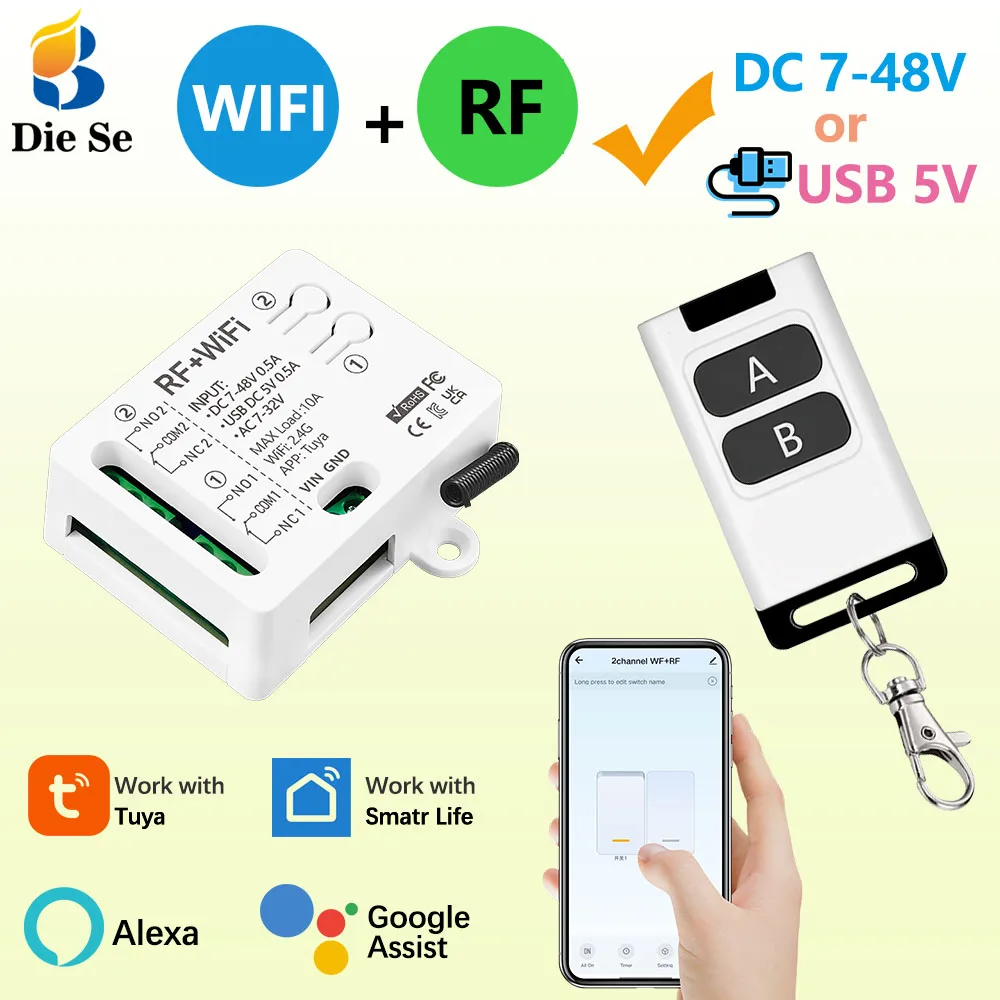
3 input methods:
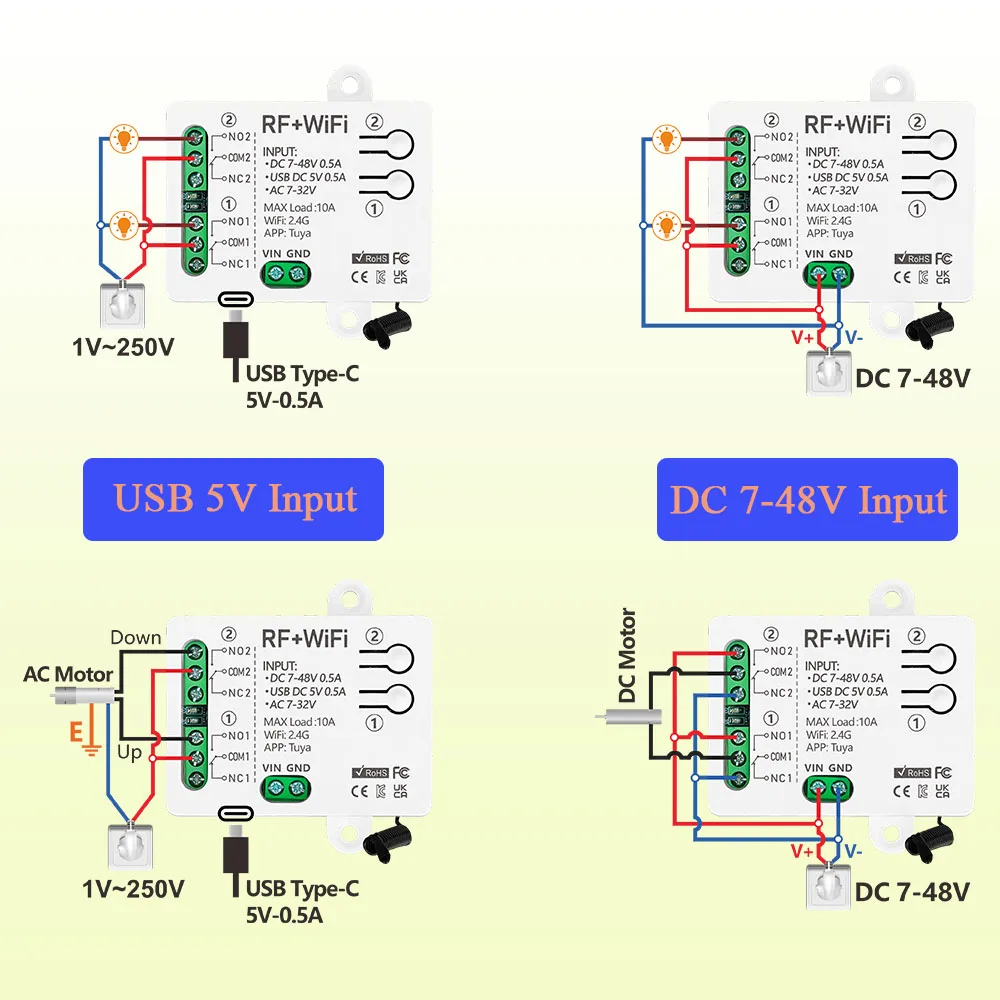
You can use USB-C 5V or DC 7-48V or AC 7-48V to connect to the input end of the receiver.
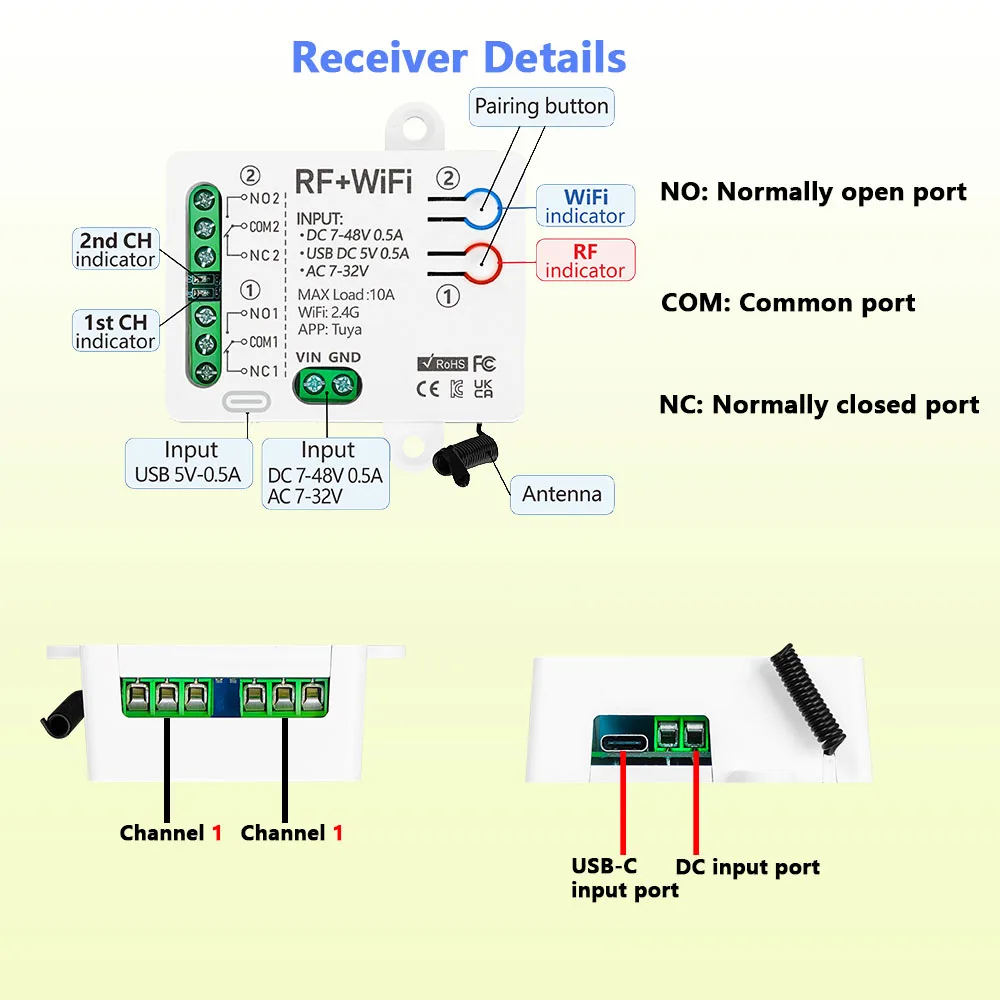
Dry contact receiver:
The input terminal of the receiver is separated from the voltage of the relay, so the input voltage and the output voltage do not have to be the same.
Three control methods:
mobile app, voice, RF remote control.
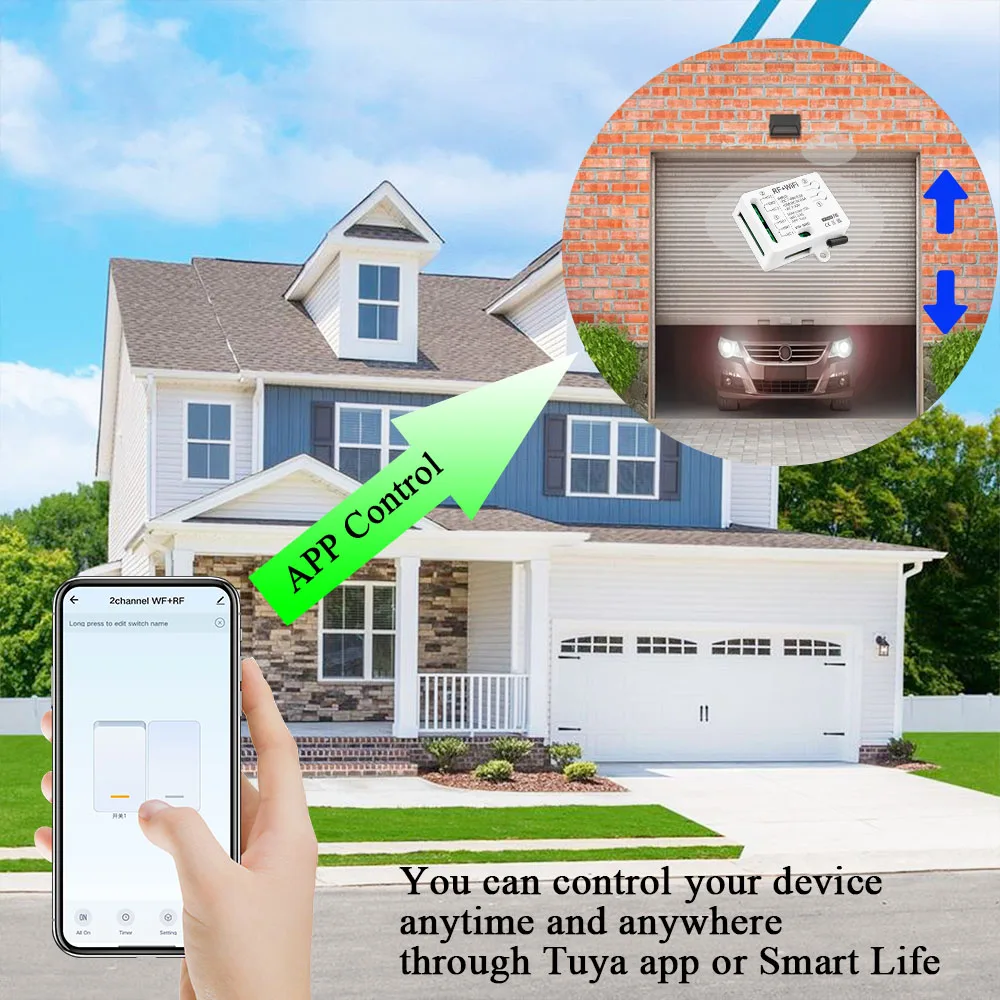
Mobile app control:
The device can be controlled at any time and anywhere through the Tuya app or smart life app.
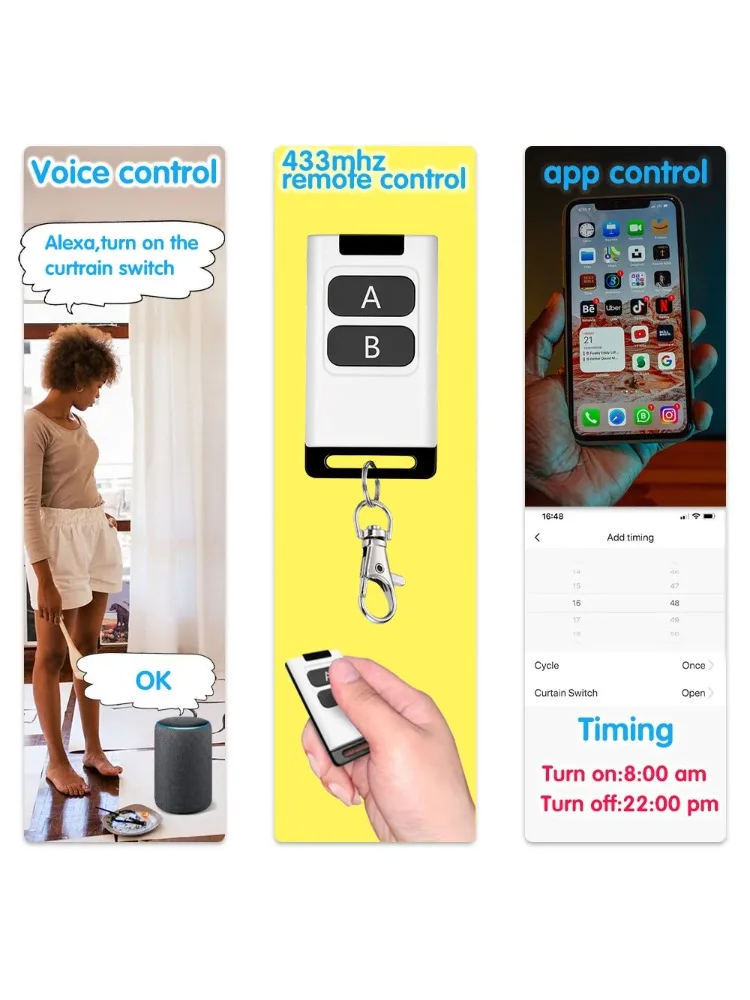
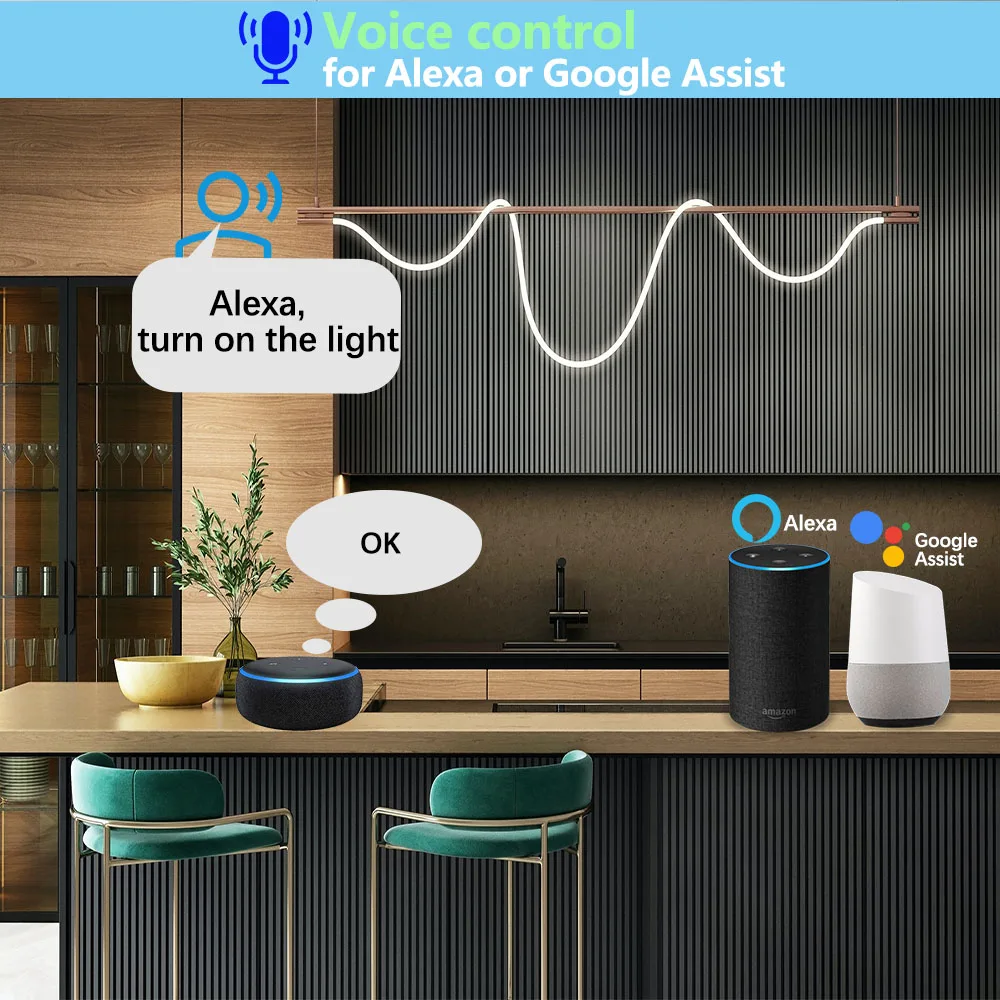
Voice control:
The device can be controlled by voice recognition through Alexa and Google Assistant.
RF remote control:
The store has a variety of RF remote controls, which can remotely control the equipment through RF remote controls.
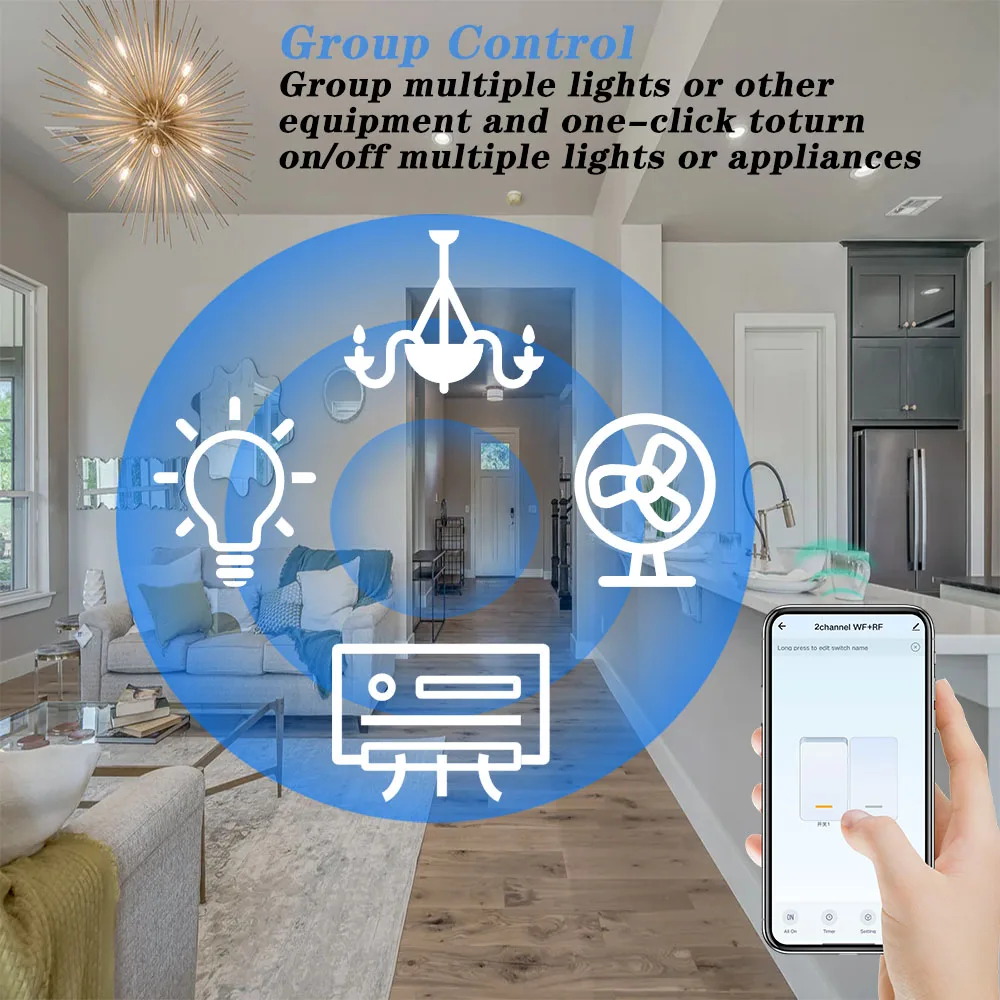
Group control:
Connect multiple devices through the mobile APP, and control multiple devices on the mobile phone to achieve the effect of multiple controls on one machine.
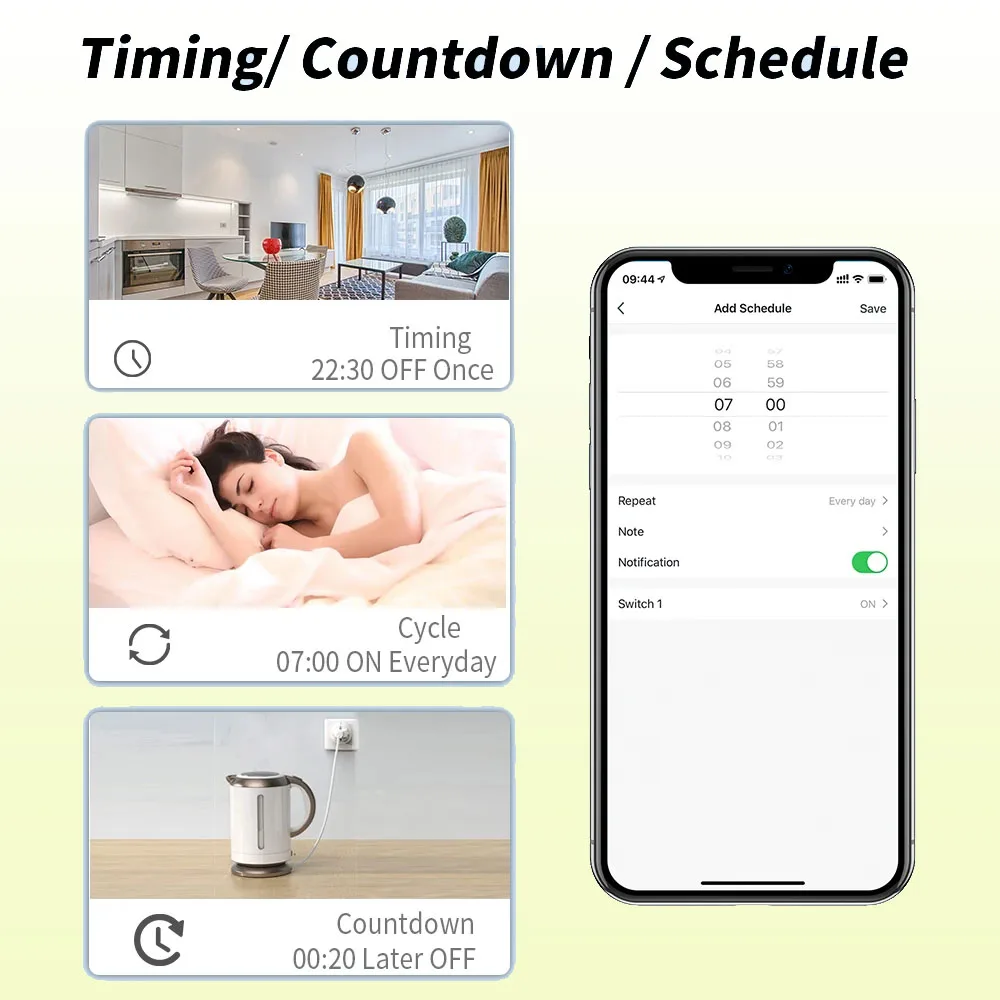
Timing function:
You can create a timer/countdown/time stamp or create a smart scene, such as opening the curtains at 8 o'clock in the morning and closing them at 6 o'clock in the evening.
Independent control:
The receiver has 2 channels, each channel can independently control 1 light or 1-way device.
Product parameters
▶WiFi+RF receiver:
Channle: 2 channels
Voltage: USB Type-C 5V or DC 7-48V or AC 7-32V
Relay Max current: 10A
Standby power:<10 mA
Output type:Passive output 1-250V dry contact
WiFi:IEEE 802.11 b/g/n 2.4GHz
RF Control:433MHz
Working temperature:-30~+80℃
Support APP:Tuya / Smart Life
Size: 65*50*24 mm
Voltage: USB Type-C 5V or DC 7-48V or AC 7-32V
Relay Max current: 10A
Standby power:<10 mA
Output type:Passive output 1-250V dry contact
WiFi:IEEE 802.11 b/g/n 2.4GHz
RF Control:433MHz
Working temperature:-30~+80℃
Support APP:Tuya / Smart Life
Size: 65*50*24 mm
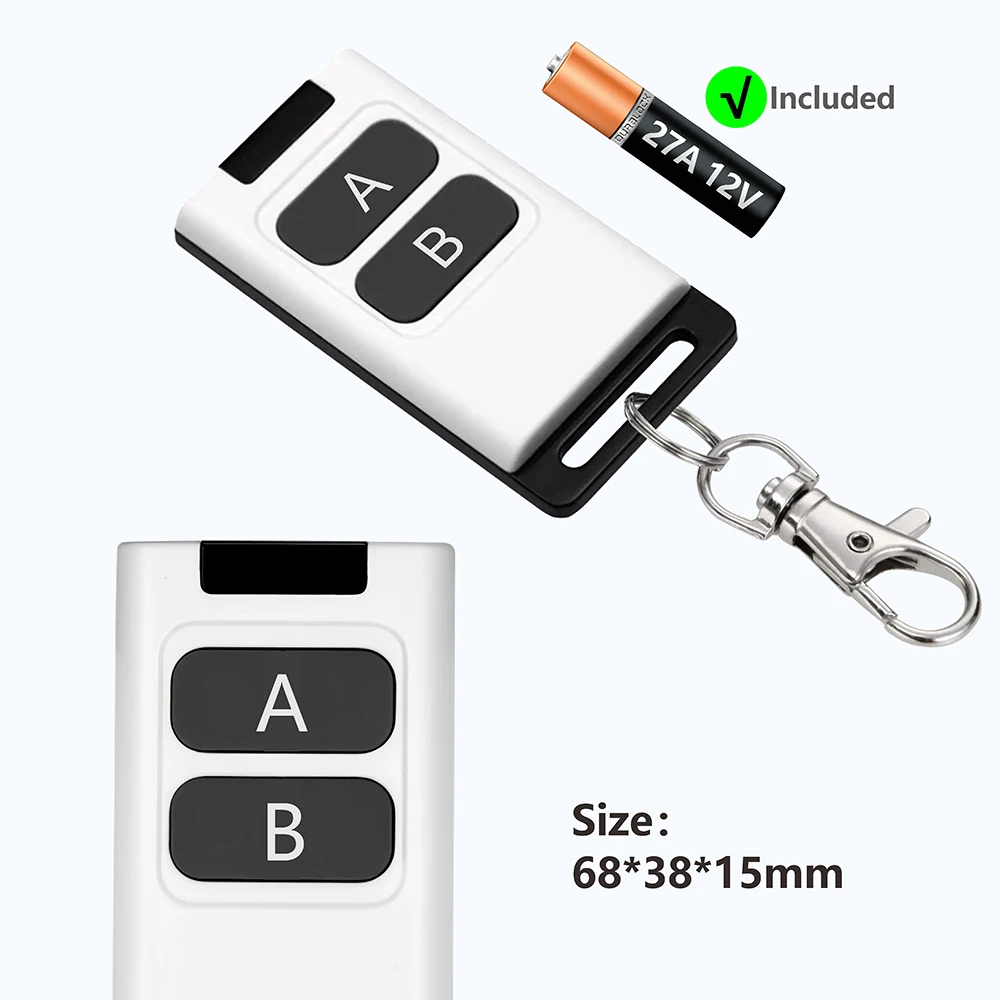
▶ RF433mhz Remote Control
Support encoding : 1527 Leaning code/PT2262 Fixed code
Remote distance : up to 50m (theoretical distance)
Battery : 1 Pcs 23A 12V Battery (included)
RF frequency : 433MHz
Size : 68*38*15 mm
Modulation : ASK
Remote distance : up to 50m (theoretical distance)
Battery : 1 Pcs 23A 12V Battery (included)
RF frequency : 433MHz
Size : 68*38*15 mm
Modulation : ASK
Describe
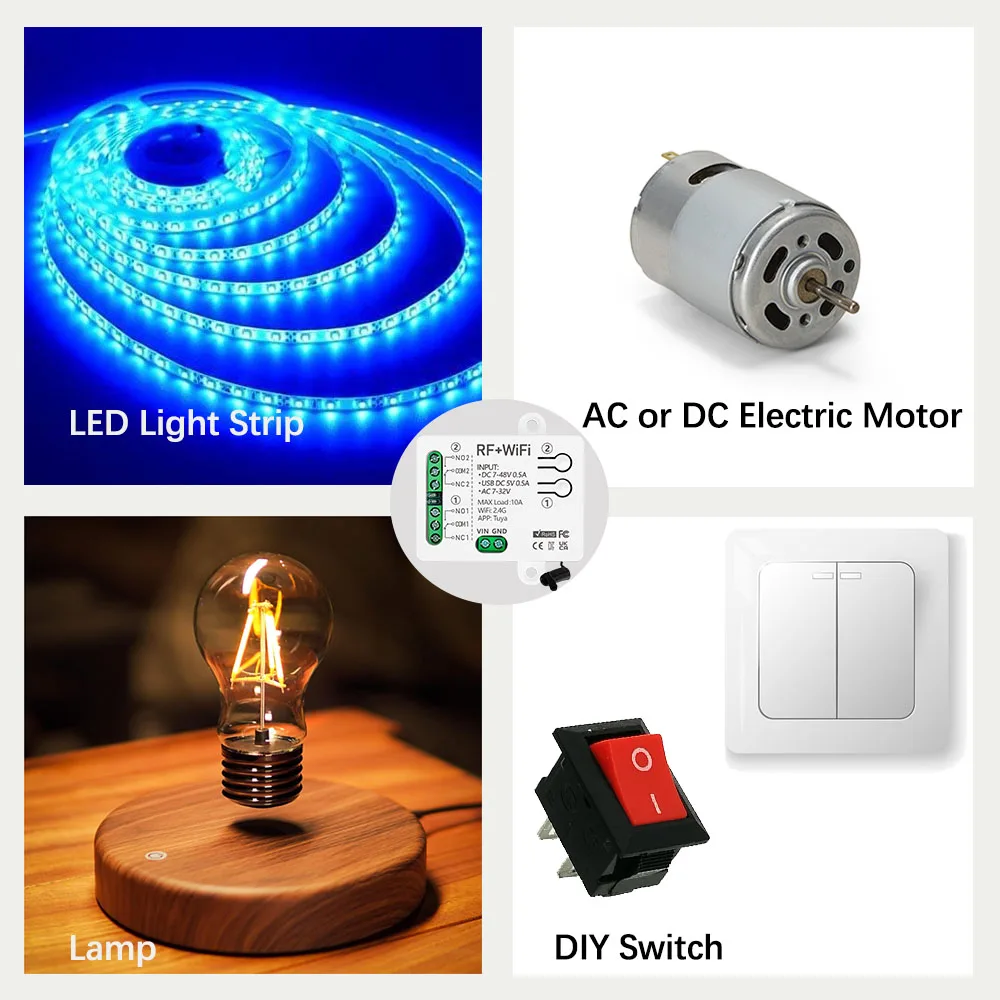
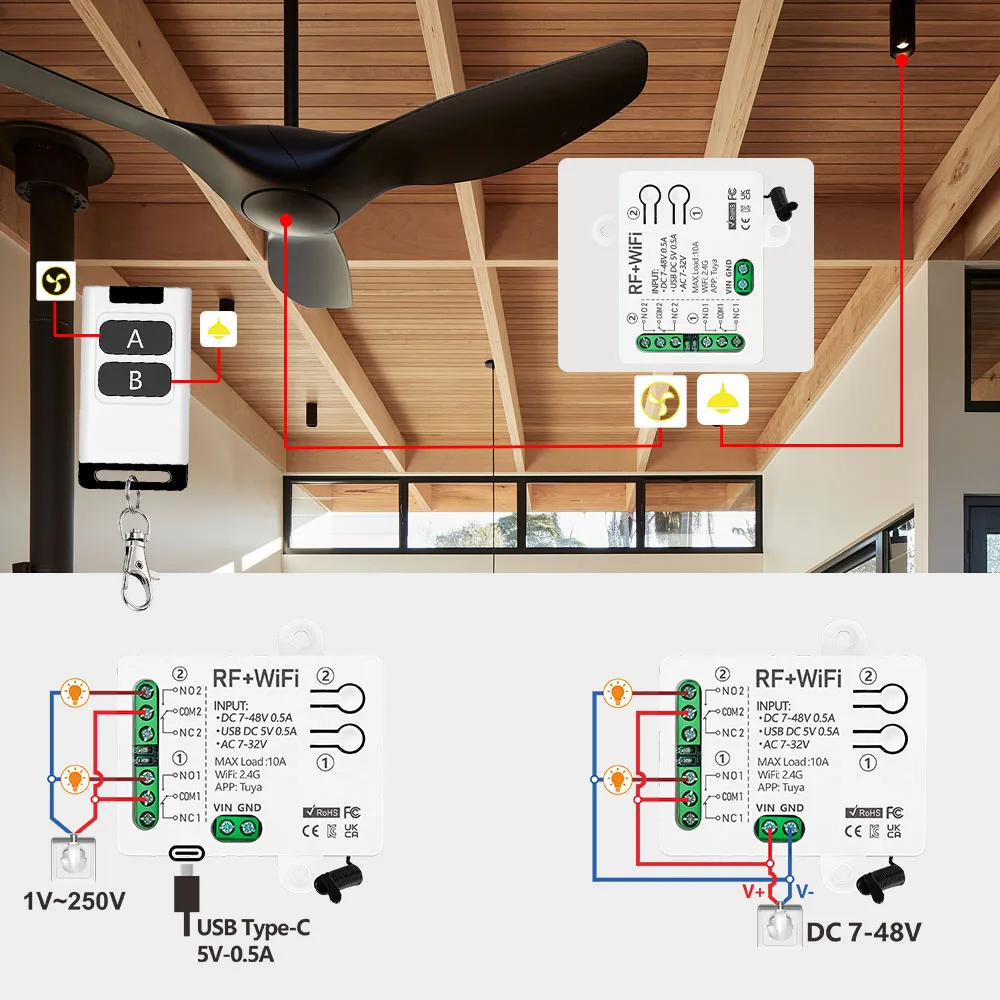
Wide range of application scenarios, can be applied to AC lamps/DC lamps/garage door systems, etc.
Use WIFi, RF, voice control
APP control:
Add the receiver device to Tuya or Smart Life by connecting to WIFi, and you can control the device anytime, anywhere.
Timing function:
You can create a timer/countdown/timestamp or create a smart scene, such as opening the curtains at 8 o'clock in the morning and closing the curtains at 6 o'clock in the evening.
Group control:
Connect multiple devices through the mobile APP, and control multiple devices on the mobile phone to achieve the effect of multiple controls on one machine.
RF control:
The receiver supports 433mhz, 1527 learning code remote control, and the remote control can transmit signals up to 30-50m in an open area (without penetrating walls)
Voice Control:
Works with Alexa, Google home, etc. and can be controlled by voice.
Wiring method
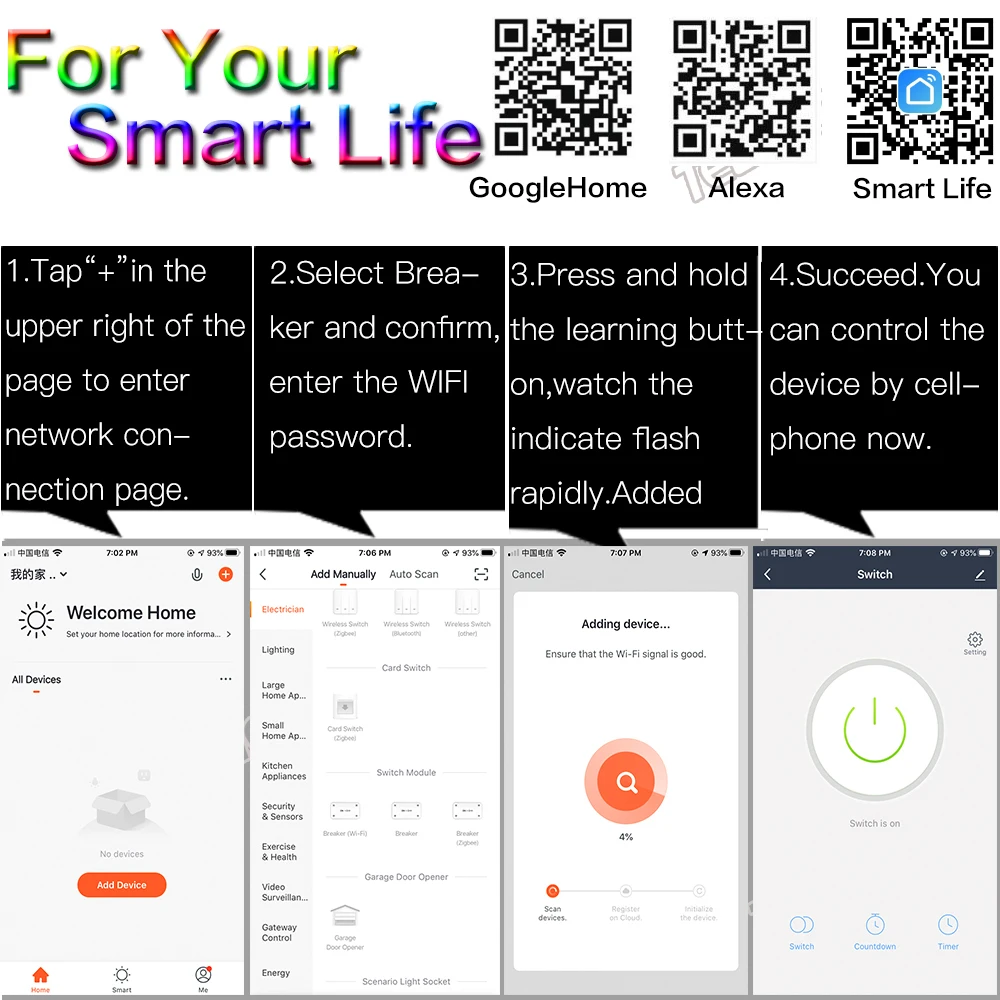
If you don't have the app, you can scan the code to download the Tuya app or Smart Life app.
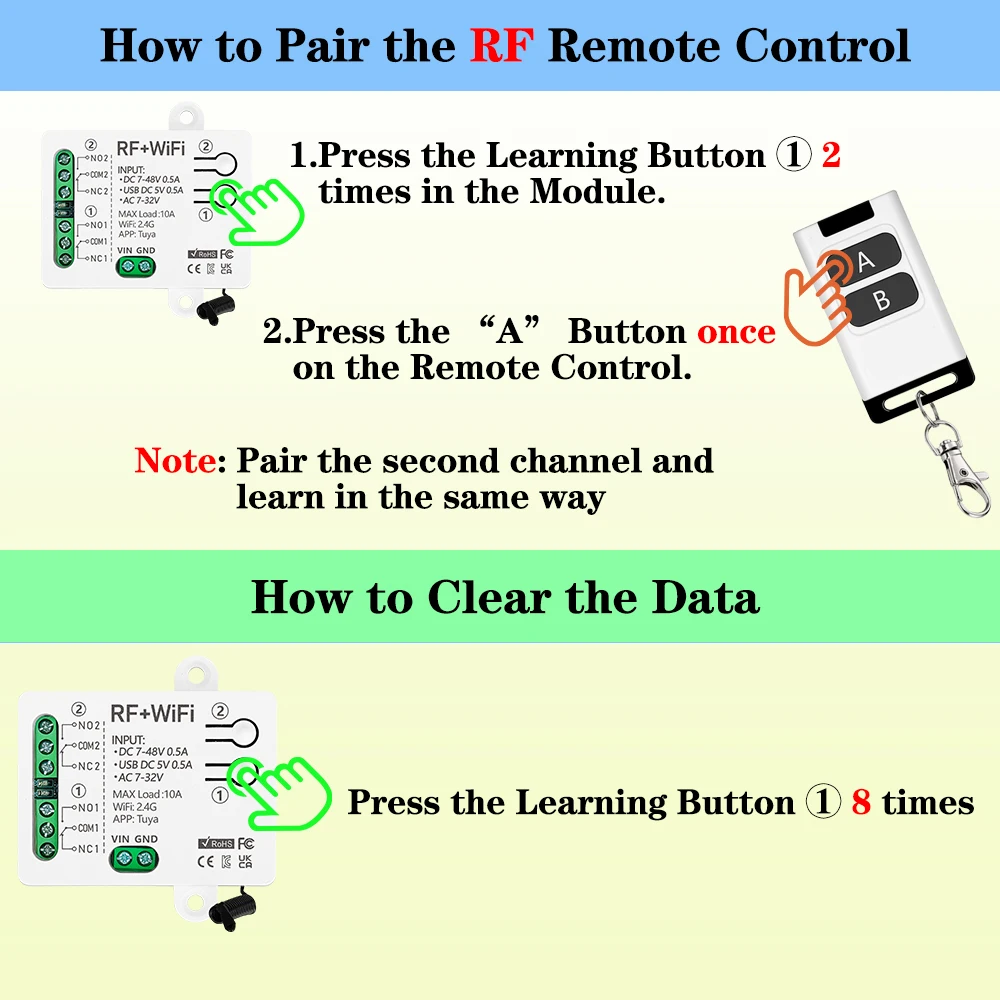
●Pairing with RF remote control
Step 1. Quickly click the pairing button ① 2 times, and the red indicator light will light up.
Step 2. Press the "A" button on the remote control, and the red indicator light will flash several times and then go out. Therefore, button "A" can control the first channel.
Note: The operation of the second channel is the same as above.
●How to delete the RF signal:
Press the pairing button "①" 8 times. After deleting the signal, all relays will no longer be controlled by the remote control.
You need to pair the receiver with the remote control again before putting it into use.
√ How to connect to wifi (tuya or smart life)
① Turn on Bluetooth, open the APP, and click Add Device
② Select the device automatically searched by Bluetooth
③ Mobile phone connects to 2.4GWIFI and enters the WIFI password
④ Click Next and wait for the device to connect successfully
⑤ Device added successfully
*If you do not understand clearly. Please send us a message to let us know. We will do our best to service each of our customers. Enjoy your shopping!*


